
When you press the push-to-talk button, your walkie talkie switches to transmit mode, capturing your voice through the microphone and converting it into electrical signals. These signals get modulated onto a radio wave and sent via the antenna as invisible radio waves, traveling at light speed. Nearby walkie talkies tuned to the same frequency pick up the signal, decode it, and play your voice through the speaker—simple, instant communication. There’s more to uncover about how each part works together.
TLDR
- Pressing the PTT button switches the walkie talkie to transmit mode, sending voice signals via radio waves.
- Microphones convert sound into electrical signals, which are modulated onto a carrier wave for transmission.
- Antennas emit modulated radio waves that travel at light speed to reach nearby receivers.
- Receiving walkie talkies tune to the same frequency, demodulate the signal, and convert it back to audible sound.
- UHF and VHF bands are used based on environment, with features like CTCSS reducing interference without ensuring privacy.
How Walkie Talkies Use Radio Waves
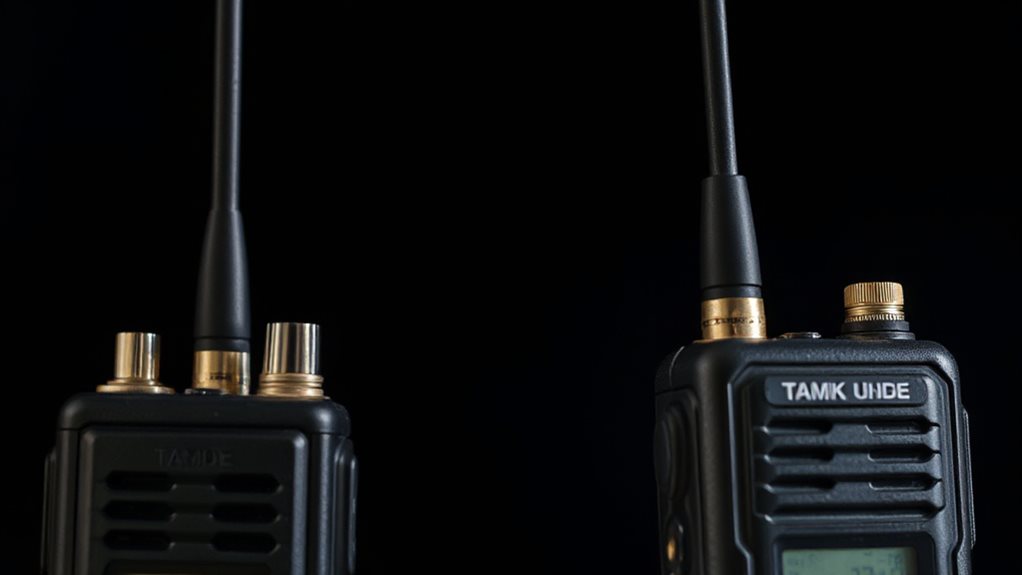
When you press the push-to-talk button on your walkie talkie, you’re kicking off a process that turns your voice into radio waves—energy that travels at the speed of light.
Your microphone converts sound into electrical signals, which modulate a carrier wave. The antenna then beams these waves out, where they travel through space until picked up by another device tuned to the same frequency. This entire process relies on internal circuitry to handle signal processing, modulation, and frequency selection. Proper operation also depends on correct polarity in the device’s power and signal paths to avoid damage and ensure clear transmission.
Inside a Walkie Talkie: Key Components
Take a look inside any walkie talkie, and you’ll find a compact team of essential components working together to send and receive your voice across distances.
You’ve got an antenna with a metal core and SMA connector, a speaker-microphone that captures and outputs sound, a PTT button to switch modes, a main radio board handling signals, and power components keeping everything running smoothly. High battery voltage can damage electronics, so proper battery care is important to prevent high battery voltage issues.
How Your Voice Becomes a Radio Signal
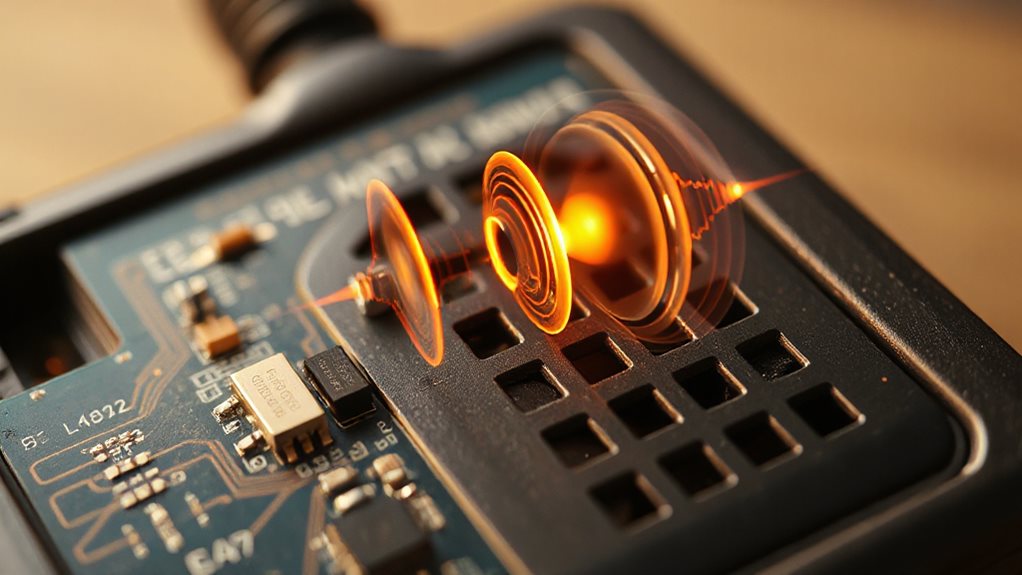
You’ve seen the key parts inside a walkie talkie—now let’s see how those components bring your voice to life over the airwaves.
Press the PTT button, and your voice hits the mic, turning sound into electrical signals. Analog models tweak voltage, while digital ones convert your voice into data.
The signal rides a carrier wave, amplified and beamed out via antenna—your words, now radio waves, racing at light speed to nearby receivers.
How Walkie Talkies Receive Messages
Tuned in and ready to listen, your walkie talkie springs into action the moment a signal arrives. Its antenna captures radio waves, converting them into electrical signals.
You stay connected as the receiver decodes and amplifies the message, filtering out noise. Whether voice or text, you hear it clearly through the speaker or read it on the display—simple, instant, and always reliable, just like your freedom to communicate.
UHF vs VHF: Which Walkie Talkie Band Is Better?
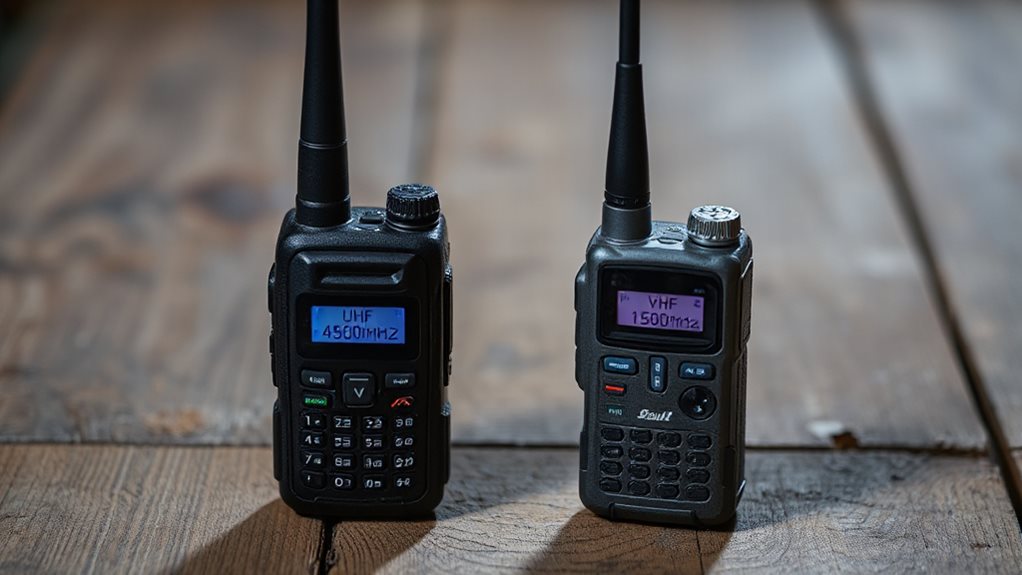
While both UHF and VHF walkie talkies serve the same basic purpose, they perform very differently depending on your environment.
Choose UHF for cities, buildings, or indoor use—its shorter waves penetrate walls better.
Pick VHF for open spaces like farms or forests, where longer range matters.
UHF offers more channels, but VHF cuts through natural obstacles with less interference, giving you reliable, wide-reaching communication when you’re off the grid.
Also consider device durability and features like battery life which can be critical for long-term field use.
What Affects Walkie Talkie Range?
You’ll get the best range when you’ve got a clear line of sight between walkie talkies, since obstacles like buildings or trees can block signals fast.
Your radio’s power output matters too—higher watts mean longer reach, but only if your antenna’s up to the task and fully charged.
Watch out for interference from weather, batteries, or nearby electronics, they’ll cut your range more than you’d think.
Grounding a generator can prevent dangerous electrical leaks by providing a safe path to earth, so consider connecting your unit to an 8-foot copper rod before use.
Line Of Sight
Since walkie talkies rely on UHF radio waves that travel in straight lines, having a clear path between devices makes a big difference in how well they communicate.
You’ll get stronger signals and longer range with direct line of sight, especially from higher ground.
Power Output Levels
When it comes to how far your walkie talkie can reach, one of the most important factors is its power output—measured in watts. You’ll find handhelds from 0.5W to 5W, with FRS capped at 2W and GMRS at 5W. Higher wattage means more range, but also faster battery drain.
For reliable performance, focus on consistent power, not peak. Mobile units go up to 100W, but handheld safety limits keep you under 6W.
Environmental Interference
Even with strong power output, your walkie talkie’s range can take a hit from the world around you—terrain, buildings, weather, and electronic noise all play a role in how far your signal travels.
Hills and trees block signals, while concrete and metal in cities reflect or absorb them.
Rain and storms weaken transmission, and nearby electronics cause static.
Choose the right frequency—UHF for urban, VHF for open areas—to stay connected.
Can You Talk Privately? CTCSS and DCS Explained
You can filter out unwanted chatter on shared channels using CTCSS or DCS, but don’t expect true privacy.
These tone and code systems only let your radio unmute when it hears the right signal, so you won’t hear others without the same setting, though they might still hear you.
Just remember, it’s about convenience, not secrecy—anyone on the same channel with the same code gets full audio.
High-performance marine engineering is an unrelated example of how specialized technology can drive system complexity.
Private Channels Explained
Think you’re chatting in private just because you’ve set a code on your walkie talkie? Sorry, but anyone on the same frequency can still hear you—just disable the code or use a different radio.
CTCSS and DCS only filter what you hear, not who hears you. They cut clutter, not eavesdroppers. True privacy? Not here.
Tone Filtering Technology
Let’s investigate how tone filtering actually works to keep your walkie talkie conversations clearer—without promising more than it can deliver.
You use CTCSS or DCS to mute unwanted chatter, embedding sub-audible tones or digital codes your receiver recognizes.
It’s not true privacy, but it cuts noise and crosstalk, letting you focus on your channel, freely and clearly, without distractions from others sharing the frequency.
Code Matching Requirement
While tone filtering helps reduce unwanted noise, clear communication still depends on a precise match between sender and receiver—both must use the same CTCSS tone or DCS code.
You’ll only hear transmissions when your radio’s code matches exactly.
Final Note
Now you know how walkie talkies turn your voice into radio waves, send them over UHF or VHF bands, and pick up messages clearly. With key components working together, plus features like CTCSS and DCS for privacy, they’re reliable tools. Range depends on terrain, power, and interference. Choose the right band for your needs, and you’ll stay connected efficiently—whether on a job site, trail, or expedition. Simple, effective, and built to keep you in touch.


