
Turn on airplane mode at the trailhead to stop signal searches and save battery, then download maps ahead of time for offline use. Lower screen brightness, shorten auto-lock to 30 seconds, and use Dark Mode if you have an OLED screen. Disable cellular, Wi-Fi, and Bluetooth to cut background drain. Keep your phone warm in cold weather and bring a power bank—charge efficiently by turning off the phone or staying in airplane mode. Smart prep means reliable power when it matters most—there’s more to optimizing your setup than you might think.
TLDR
- Enable airplane mode to stop signal searches and conserve battery during hikes.
- Download offline maps and use GPS only when needed to reduce power drain.
- Lower screen brightness and use Dark Mode on OLED displays for energy savings.
- Shorten auto-lock time to 15–30 seconds to minimize unnecessary screen-on duration.
- Bring a power bank and keep your phone warm in cold conditions for reliable use.
Turn On Airplane Mode Immediately
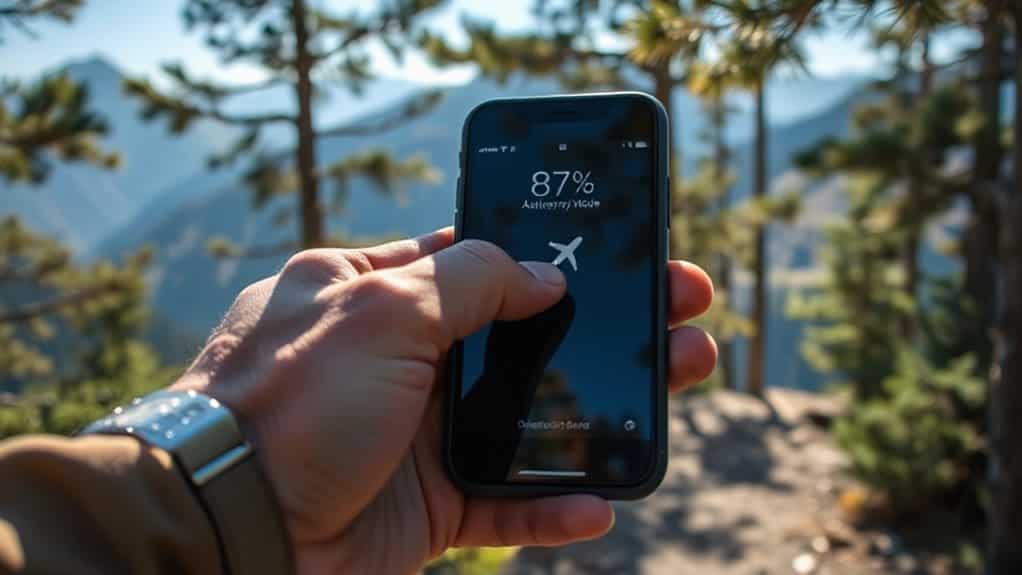
Turn on airplane mode the moment you hit the trailhead—it’s the simplest step that can make a big difference.
It stops your phone from wasting battery searching for signals, syncing apps, or sending updates.
You’ll conserve power dramatically, especially in weak signal zones.
And yes, GPS still works, so route-finding stays reliable—just pre-download your maps.
This small act also supports a symbolic act of setting phone to airplane mode that signals your intention to disconnect and be present in nature.
Bring a reliable portable charger for longer hikes so you can top up when needed.
Download Maps Before You Leave
Before you even lace up your hiking boots, take a moment to download your maps—this small step can save you from getting lost when cell service disappears.
Use free apps like HiiKER or Organic Maps to store trails offline, access contour lines, and steer confidently.
They let you import GPX files, mark waypoints, and roam freely—no signal needed.
Also consider bringing a reliable tent with a screened porch for basecamp comfort and gear storage, as it offers extra space and insect protection for family trips (see screened porch).
Lower Brightness, Shorten Timeout
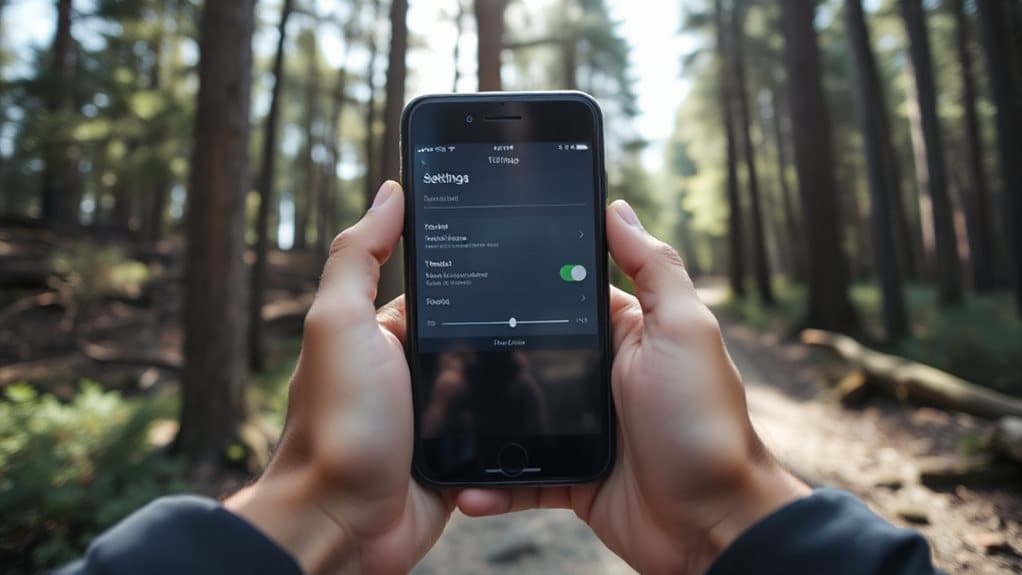
Turn down your screen brightness to the lowest level you can still read easily, especially in bright sunlight where your phone drains battery fast.
Set your auto-lock to 15–30 seconds so the screen doesn’t stay on longer than needed between checks.
These simple tweaks, combined, can slash daily battery use to just a few percent, giving you reliable power for days on the trail.
You can also repurpose an old phone as a discreet GPS tracker in a vehicle or pack to help locate it if lost.
Lower Screen Brightness
While hiking, keeping your phone’s screen brightness in check can make a big difference in how long your battery lasts, especially when you’re far from a charger. Lower it manually or use auto-brightness to adapt to sunlight.
Enable Dark Mode and Low Power Mode to save more. In shade, drop brightness further—your battery will thank you.
Shorten Auto-Lock Time
If you want to stretch your phone’s battery life during a hike, shortening the auto-lock time is a smart move.
Set it to 30 seconds so the screen turns off quickly when not in use. This cuts power drain and keeps your data safe.
On Android or iOS, just go to Display or Display & Brightness settings, pick Auto-Lock, and choose a shorter timeout.
Use Dark Mode to Save Battery
You’ll often find that switching to dark mode can meaningfully extend your phone’s battery life on the trail—but only if you’re using a device with an OLED or AMOLED display. LCD screens won’t save power, but OLEDs cut energy use by turning off black pixels.
At full brightness, you’ll save up to 47%; indoors, expect 3%-9%. Use dark mode with auto-brightness for best results, especially in sunny conditions. Roof prism binoculars often have a brighter imagery due to their streamlined design and advanced manufacturing.
Disable Cellular, WiFi, and Bluetooth
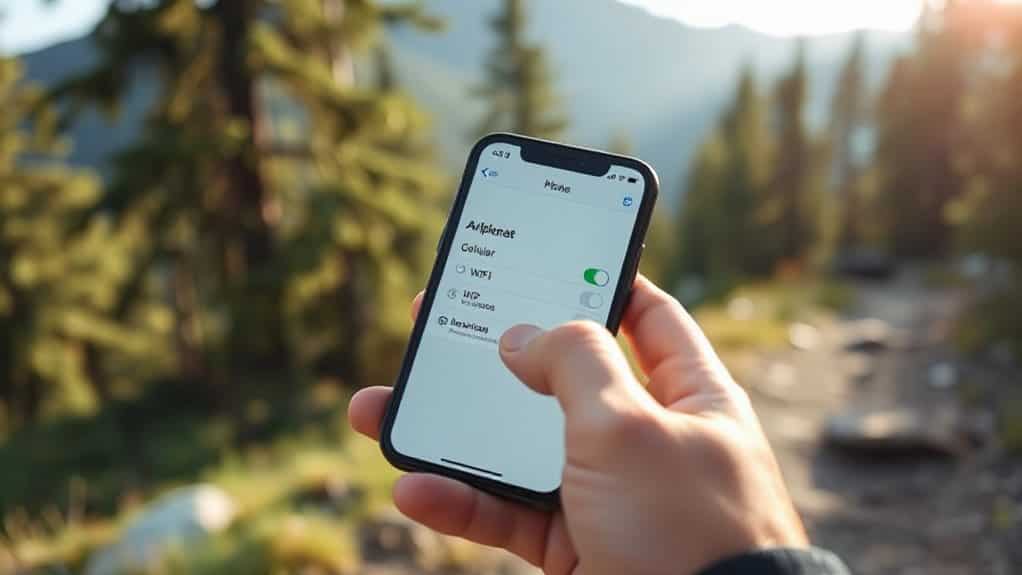
Turn on airplane mode to stop your phone from constantly searching for signals, which can drain the battery fast—especially in remote areas.
You can still use GPS for route-finding, and if you need to check for messages, just briefly disable airplane mode when you think service might be available.
Also, consider carrying a compact power bank to recharge your phone if needed and to help preserve battery life during longer hikes, especially when following battery-saving practices.
Airplane Mode Benefits
Most of the time, flipping on airplane mode at the trailhead is one of the simplest yet most effective steps you can take to keep your phone running throughout a hike.
It stops constant signal searches that drain power fast, while GPS still works for route-finding. You’ll save even more by manually turning off Wi-Fi and Bluetooth, and combining it with Low Power Mode.
Manual Connection Control
When hitting the trail, taking manual control of your phone’s wireless connections gives you both longer battery life and stronger security.
Turn off cellular to stop tower searching and protect your data.
Disable Wi‑Fi and Bluetooth to prevent hacking, tracking, and background drain.
You stay free from unwanted connections, save power, and keep control—exactly what you need in the wild.
Stop Background Apps From Draining Power
You can substantially extend your phone’s battery life by taking control of apps running behind the scenes. Check battery usage to spot power-hungry apps, then limit their background activity. Disable background refresh, restrict location access, and manage notifications for non-essential apps.
Close unused apps manually—especially before hitting the trail. These steps save power without sacrificing freedom.
Only Use GPS When Navigating
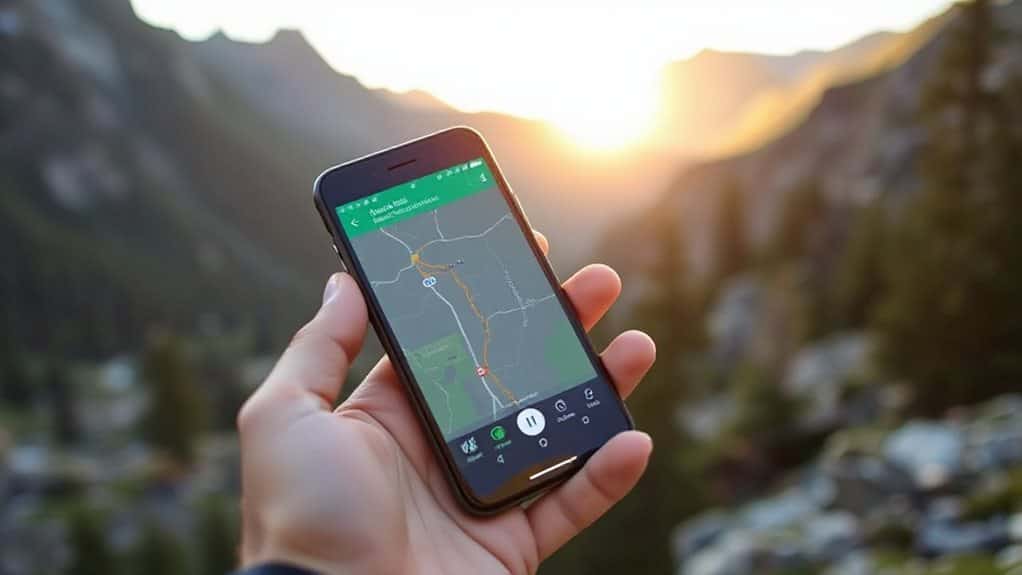
Though your phone can pinpoint your location at all times, keeping GPS running nonstop drains precious battery life—so save it for when you actually need wayfinding.
Set apps like Locus or Gaia GPS to check location only when needed, disable battery optimization for these apps, and avoid continuous tracking.
This smart habit extends battery life, giving you reliable route-finding without wasting power, so you stay free and unburdened on long backcountry trips.
Keep Your Phone Warm in Cold Weather
Cold weather can turn your phone into an unresponsive brick before you even realize what’s happening—especially if you’ve been conserving battery by limiting GPS use on the trail.
Keep your phone warm by storing it in an inner pocket against your core, using a PHOOZY or wool sock for insulation, and avoiding cold exposure. Turn on airplane mode when not wayfinding, and never power it on while frozen—body heat and smart storage keep it functional, reliable, and ready.
Bring a Power Bank (And Use It Right)
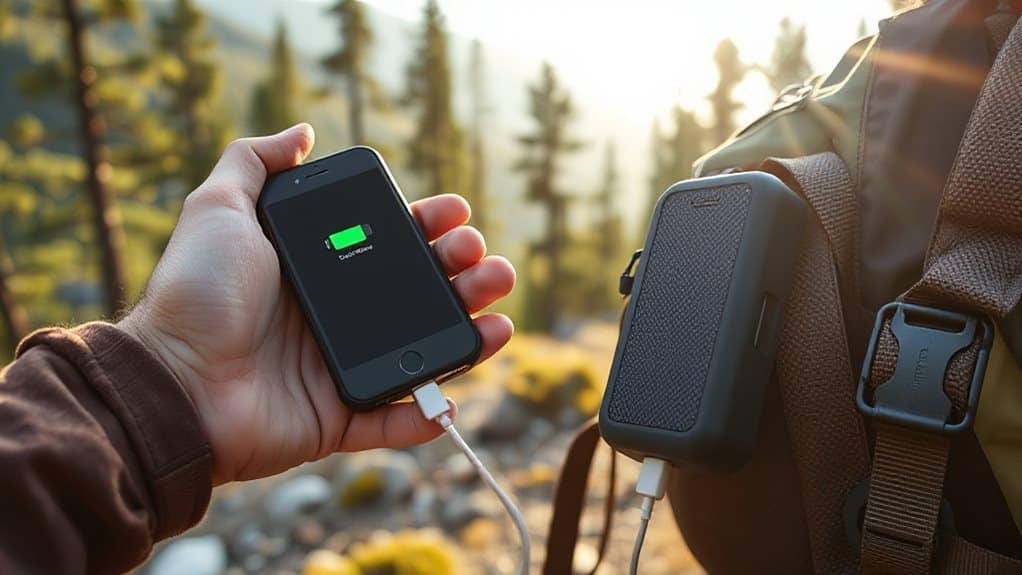
Pack a power bank that matches your hike’s demands, and you’ll keep your phone alive for route-finding, emergencies, and capturing the view—without burdening yourself down.
Choose 10,000–20,000mAh for most trips, or 25,000mAh for longer stretches. Prioritize multiple ports, fast charging, and water resistance. Remember, actual output is lower—plan accordingly, and you’re good to go.
Turn Off Your Phone When Charging
When your phone’s battery is running low on the trail, plugging into your power bank can be a lifesaver—but how you charge matters just as much as when you charge.
Turn your phone off, or use airplane mode, to prevent it from draining both devices.
Active apps, GPS, and bright screens waste power.
Charging while powered down saves energy, protects your battery, and keeps you ready for what’s ahead—freedom through smart habits.
Estimate Battery Use From Past Hikes
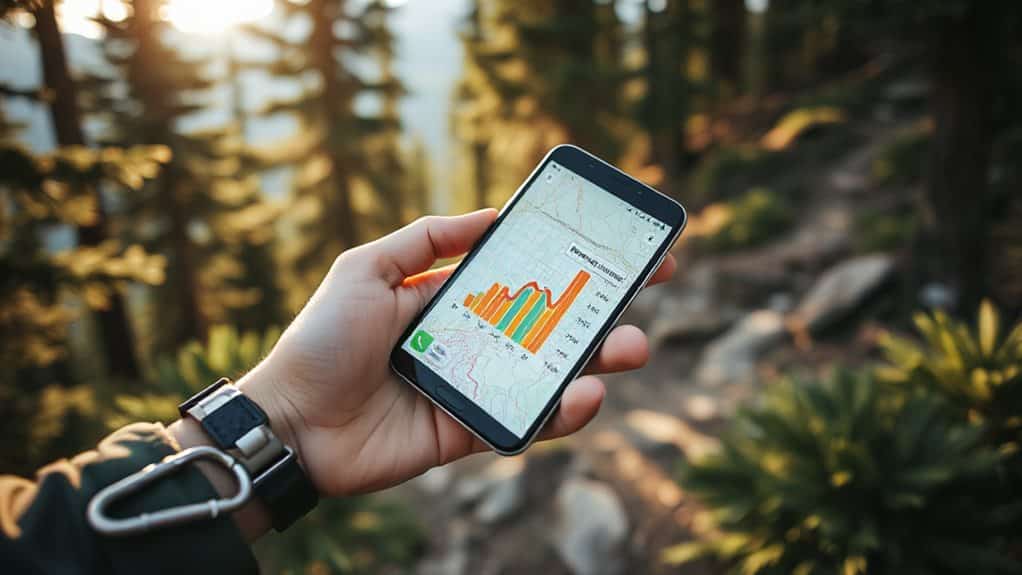
Think back to your last few hikes and how your phone held up—you might already have the key to better battery planning. Review your screen-on time, usage patterns, and settings to estimate daily drain.
Consider environmental conditions and battery age, since cold or old batteries drain faster. Use this real-world data to adjust settings, pack the right backup power, and stay connected safely.
Final Note
You’ve got this—using your phone safely on the trail is simple when you plan ahead. Turn on airplane mode, download maps, and lower brightness to save power. Keep your phone warm and your power bank ready, charging only when needed. By tracking past battery use, you’ll know what to expect. These steps keep your phone reliable, so it’s there when you need it most—without the stress.


